
3 guest scans a day
Resume scanner
See what works in your resume and what needs attention for the role you want.
Scan my resume
Build your resume, prepare a cover letter, or strengthen your LinkedIn profile using details you can review and verify.
See what works in your resume and what needs attention for the role you want.
Scan my resumeChoose a template, shape your experience and see your resume come together as you write.
Build my resumeTurn your experience and the job details into a personal letter you can edit before sending.
Create my letterReview your headline, About and experience against the jobs you want to pursue.
Review my profileSee what each tool helps you do and what you can take away.
Know what to improve
See what works in your resume and what needs attention for the role you want.
A review you can use to plan your next changes.
Scan my resume
Put your experience on the page
Choose a template, shape your experience and see your resume come together as you write.
An editable resume, ready to download when you are.
Build my resume
Explain why this role fits
Turn your experience and the job details into a personal letter you can edit before sending.
A letter you can revise, copy and download.
Create my letter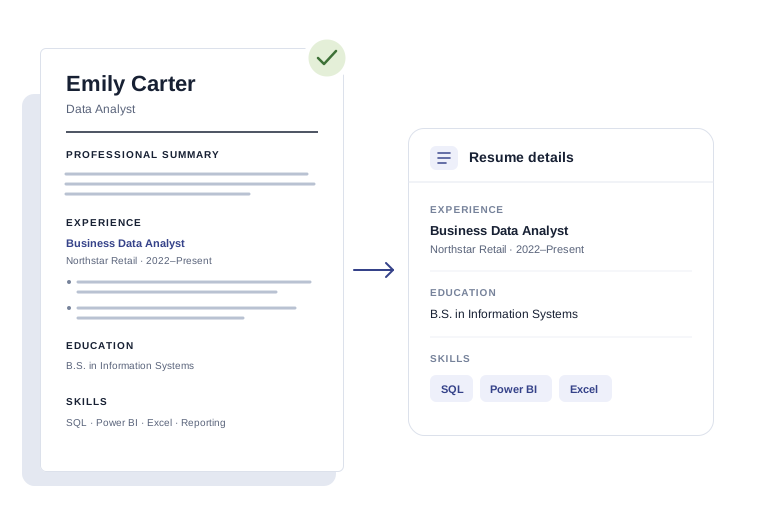
Make your profile tell a clearer story
Review your headline, About and experience against the jobs you want to pursue.
A profile review and wording you choose to use yourself.
Review my profileStart wherever you need help. You can use each tool on its own, or follow these steps as you prepare for a role.
Use the resume scanner to decide what to improve for your next role.
Choose a template and bring the most relevant parts of your experience forward.
Explain your interest in the role using examples from your own experience.
Review suggested changes and add the wording you choose to LinkedIn yourself.
Suggested wording is a starting point. Check every name, date, claim and contact detail before using it in a real application.
Talk with our team for help improving your resume, choosing roles and keeping your applications moving.
View career services